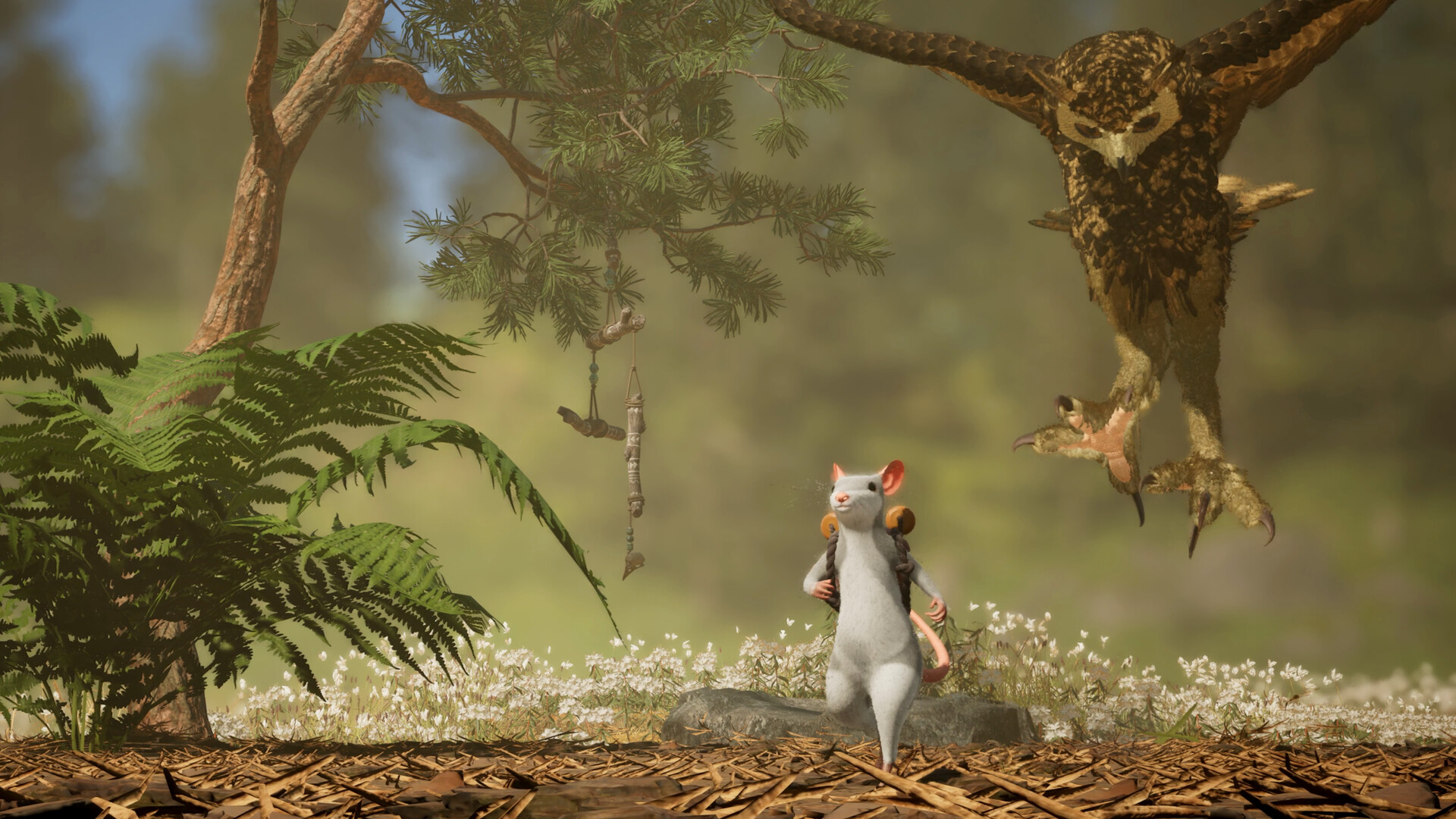

The free Hela: of Mice & Magic demo is available on Steam. Play solo, share local split-screen with one friend, or invite that friend remotely through Steam Remote Play Together. The Steam demo supports two players in total through that service.
The demo does not include the full game's native four-player online co-op or Brewing & Remedies. The full game is currently scheduled for December 1, 2026.
Where to download the Hela demo
Open the official Hela Steam page and choose its demo download option. Steam lists the free trial's release date as October 8, 2026. The trial is separate from the full game.
Microsoft also lists a free PC demo. That listing names PC and handheld devices; it does not establish that an Xbox console demo is available. The Remote Play instructions below apply to the Steam version.
The published Steam demo requirements list Windows. Compare your host PC with our demo and full-game configuration tables before downloading.
Invite one friend through Remote Play Together
Remote Play Together streams the host's local co-op session to a guest. It uses split-screen rather than a separate native online mode. Only the host needs to download the demo. Follow the developer's Steam instructions:
- The host downloads and launches the Steam demo.
- Press Shift + Tab to open the Steam Overlay, then open the Friends List.
- Right-click your friend's name and choose Remote Play Together.
- The guest accepts the invitation and joins the streamed session.
- If the guest has no input or controls Player 1's character, open the Remote Play panel and drag player icons into separate controller or keyboard slots. The developer recommends a controller for the guest.
The demo's limit is two players total. Native four-player online play belongs to the full game. For the announced full-game arrangements, see the co-op and split-screen guide.
Streaming, input and connection quality
The developer allows PC, Mac and Linux guests to join through streaming. That does not establish native Mac or Linux demo versions: the host runs the game, while the guest receives the stream and sends input.
A keyboard guest can join, but shared input may conflict; the developer recommends a guest controller and separate input slots. If the stream stutters or looks pixelated, the official instructions point to host upload quality, connection stability and distance, and suggest a wired host connection. They do not specify a guaranteed bandwidth or frame rate.
Valve's Remote Play overview explains shared input. Its general service limits do not replace Hela's two-player demo limit. These Steam instructions are not a crossplay promise for PlayStation, Xbox or Switch 2 versions.
What the demo includes—and what it leaves out
The official demo description presents a self-contained story with exploration, physics puzzles and Froggy, your magical backpack. Solo players can create Shades to help with interactions.
| Feature | Demo | Full game |
|---|---|---|
| Solo and Shade System | Included | Complete solo adventure announced |
| Local split-screen | Two players | Two players per device |
| Steam Remote Play Together | Two players total | Listed by Steam; this guide's invitation steps cover the demo |
| Native online co-op | Not included | Up to four players |
| Brewing and Remedies | Not included | Announced progression systems |
For the systems outside the trial, read the brewing guide. For magical copies, see the solo and Shade guide.
Do demo saves transfer to the full game?
The sources checked for this guide do not explain whether demo saves transfer to the full game. They also do not confirm a full-game Friend's Pass. The host-only demo download requirement for Remote Play Together should not be treated as that confirmation.
This guide follows official storefront information and developer instructions checked on October 9, 2026. We have not installed or play-tested the demo. For release platforms and physical editions, continue to the platforms and Harmony Edition guide.
Sources & review
Based on public official information reviewed October 9, 2026. These guides do not claim hands-on gameplay testing.