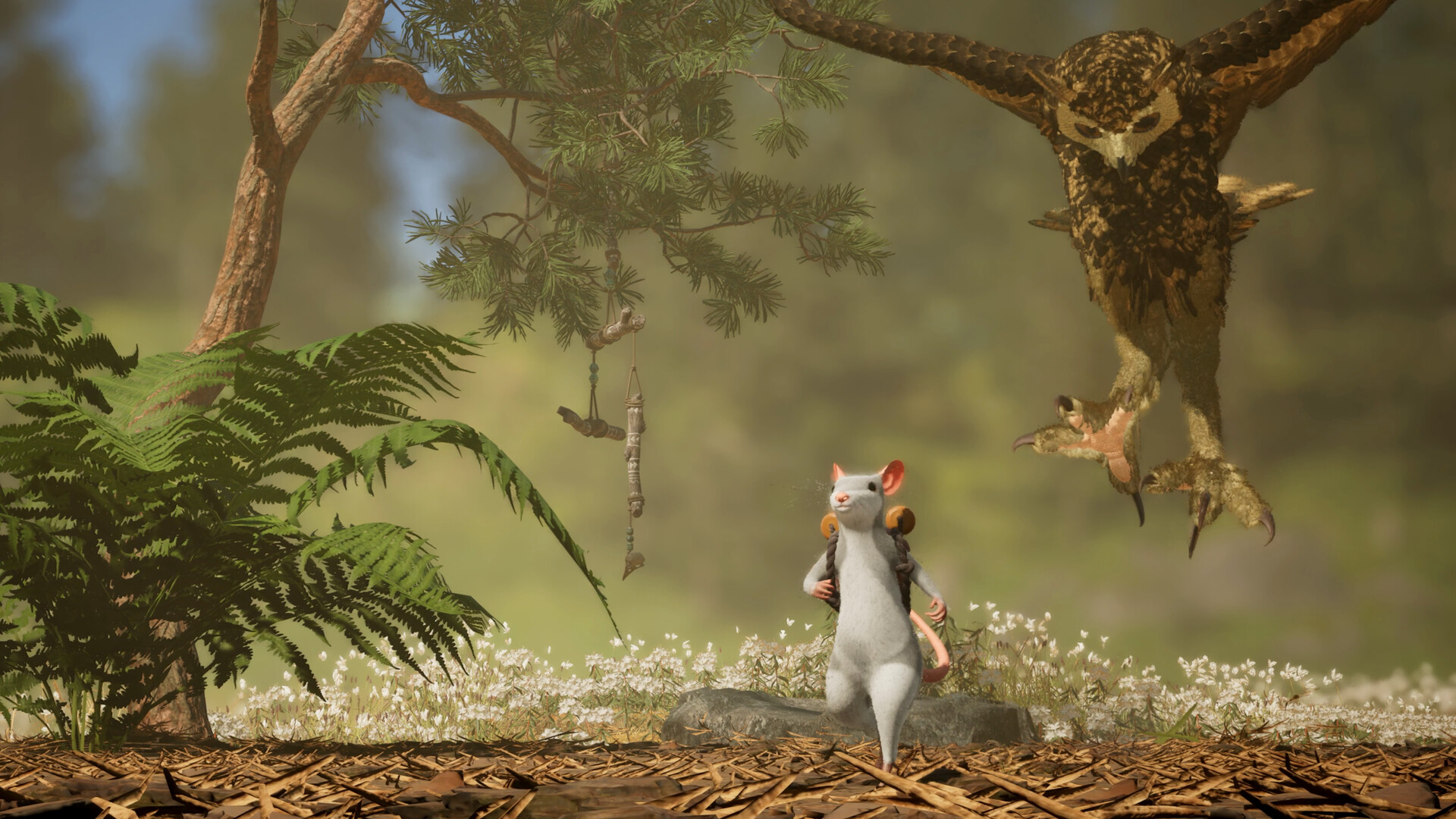

Yes, you can play Hela: of Mice & Magic alone. The developers describe a complete solo adventure, with the Shade System helping you solve challenges designed around cooperation.
You do not need to arrange a full party before exploring. The useful question is how one mouse handles several jobs at once.
Can you finish the adventure alone?
The official Steam description says the entire journey remains available to solo players. You can explore the world, follow the story and work through its puzzles without a co-op partner.
That promise covers access to the adventure. It does not establish that every puzzle takes the same time or feels equally easy with one player and a group. Choose solo if you want to set your own pace; choose co-op if sharing discoveries is part of the appeal.
Is the Shade System in the demo?
Yes. The official demo description includes solo play with magical copies that help solve puzzles and interact with the world. The trial is a self-contained story, while the full game promises the complete solo journey.
Start with the demo guide for download and multiplayer options. This Shade overview does not supply unverified summon buttons, copy limits or a complete demo puzzle walkthrough.
What does a Shade do?
A Shade is a magical copy of your mouse. According to the official FAQ, it repeats the action you were doing when you created it. This lets you leave a useful action running while your mouse handles another part of a challenge.
The developers give these examples:
- Keep an object held in place.
- Provide a trampoline for movement.
- Serve as an anchor for a rope.
Those examples describe roles a copy can fill. They are not a promise that every obstacle has one prescribed Shade solution.
A useful way to think about solo puzzles
Start by looking for jobs that must happen together. Does something need to stay supported while you move elsewhere? Could holding an object or maintaining an anchor free your mouse to reach another position?
That is a planning suggestion based on the announced mechanic, rather than a tested solution. The action at the moment of creation is the important idea to keep in mind when experimenting.
What still needs a control walkthrough?
This guide covers the published design, not hands-on play. It does not assign a summon button, state a maximum Shade count, describe timers or explain how to replace a copy.
Those details need a verified control guide for the version and platform you use. Published solo support also does not establish shared save rules when switching to co-op.
Sources & review
Based on public official information reviewed October 9, 2026. These guides do not claim hands-on gameplay testing.